Live location
Share where you are with the people who’d worry, only while you’re out at a plan, and only until you’re home safe.
The people who’d worry
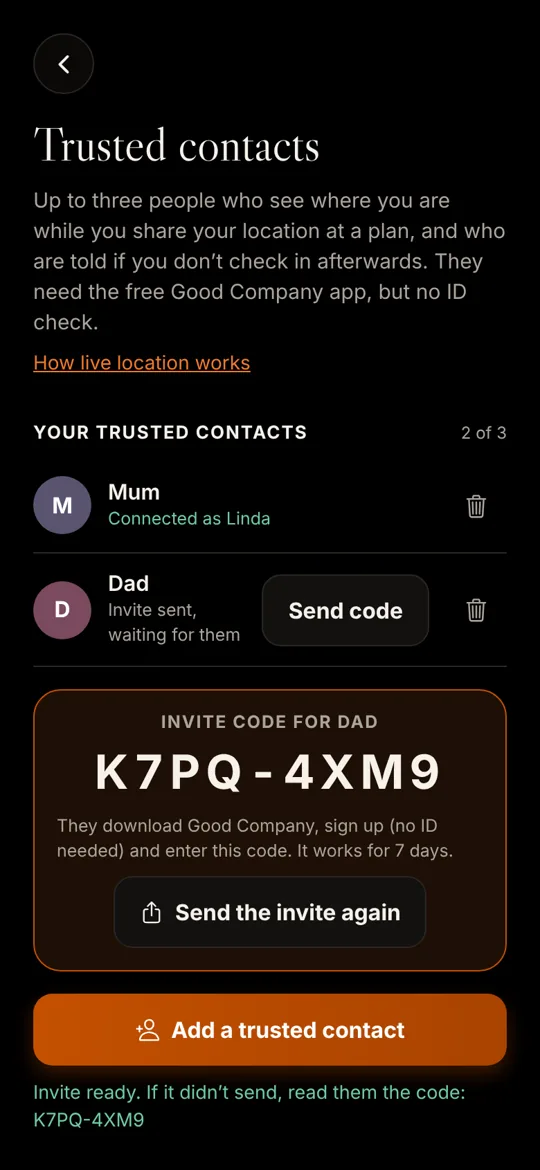
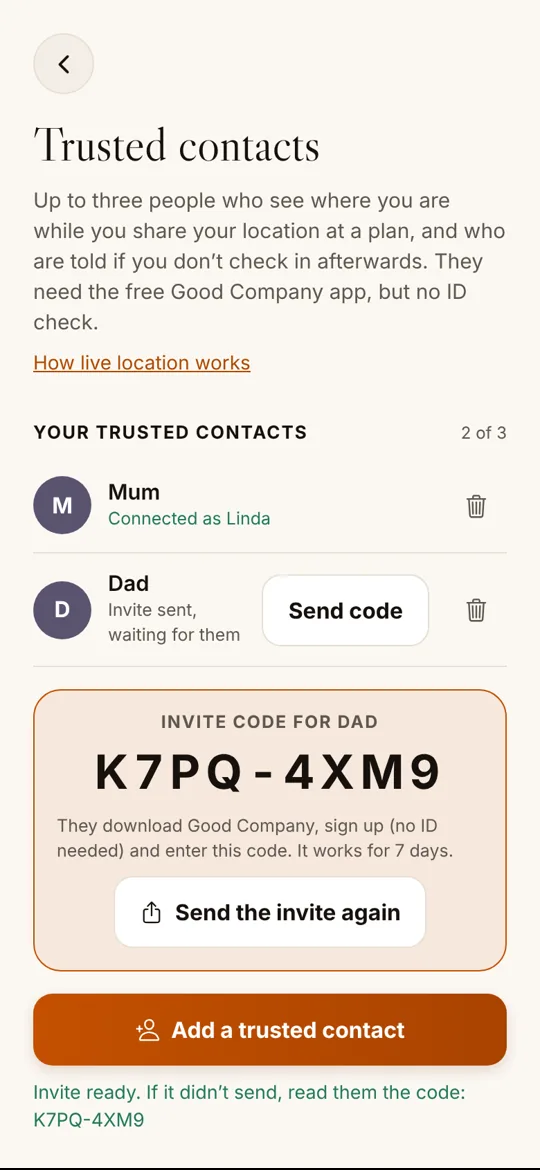
Up to three trusted contacts: a parent, a partner, a close friend. They use the free app; no ID check, no cost.
Only while you’re out
On for one plan, off when you tap “I’m home safe”. Never 24/7, never switched on by anyone but you.
An update every hour
Your contacts are told when you set off, get your location every hour, and can open a live map whenever they like.
See it in the app
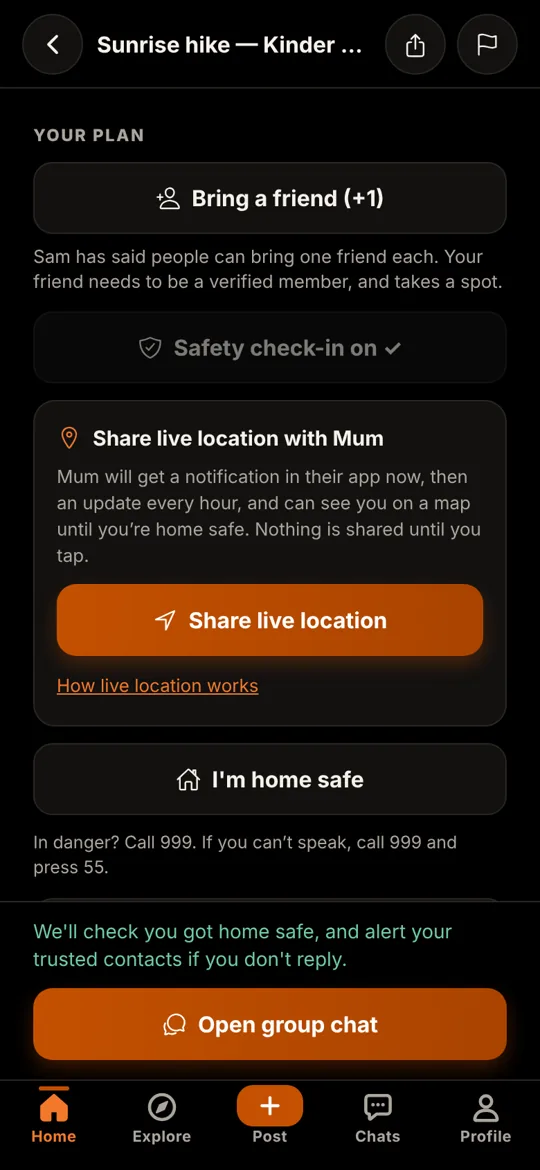
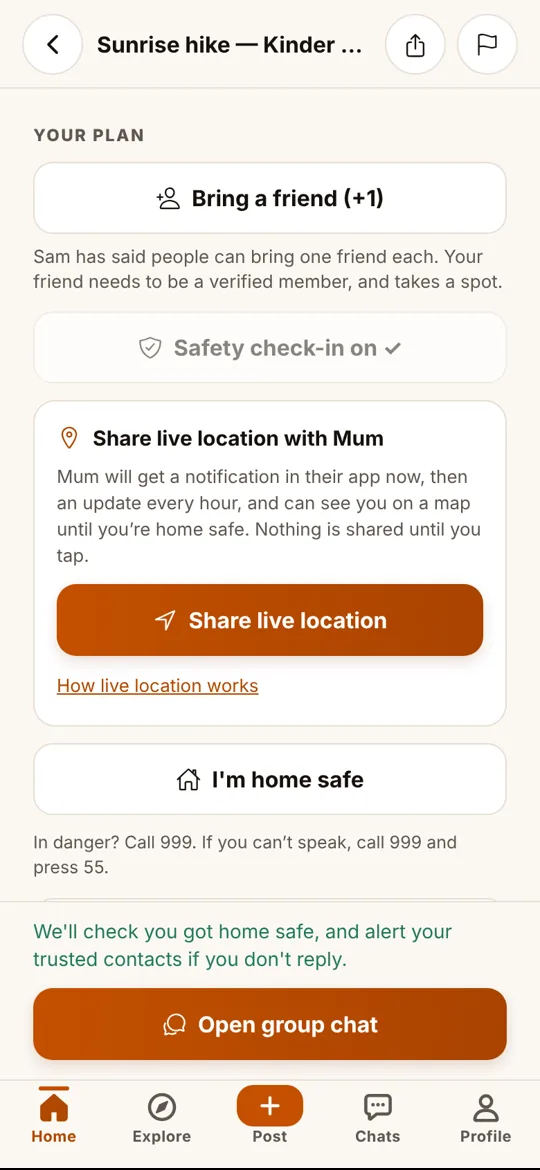
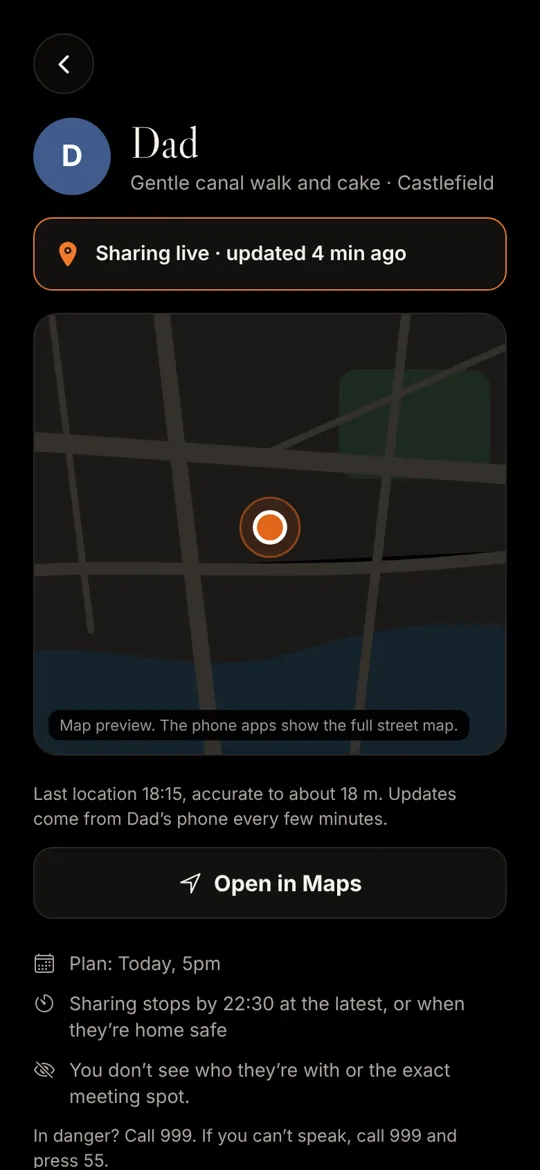
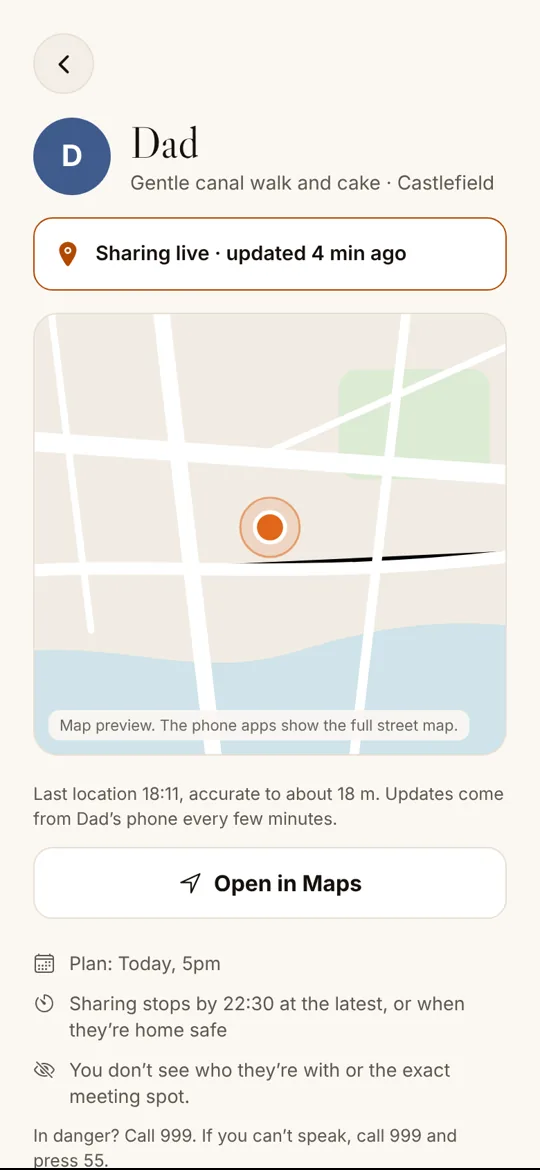
How it works
Invite your people
Profile → Settings and safety → Trusted contacts → Add. Send them the code by WhatsApp, text or email. They download Good Company, sign up with an email and enter it. What they see.
Share at a plan
Start a safety check-in, then tap “Share live location”. Your contacts get a notification straight away, then an update every hour with where you are.
Home safe
Tap “I’m home safe”. Sharing stops, your contacts are told you’re home, and your location is deleted. Forget, and it stops by itself a few hours after the plan.
If you don’t check in
About two hours after your plan should have ended, we ask if you’re home safe. If you don’t answer within an hour:
- Your trusted contacts are alerted in their app, with your last location if you were sharing, and a reminder to try to reach you first and call 999 if they’re worried.
- If none of them opens the alert within 10 minutes, or none of them has the app, we send one text to your emergency backup number, if you added one.
- When you tap “I’m home safe”, they’re told straight away.
It isn’t an emergency service. Nobody at Good Company watches check-ins or live location as they happen, and phones, signal and notifications can let anyone down. If you’re in danger, call 999. If you can’t speak, call 999 from a mobile and press 55.
Private by design
- Only your latest position is kept, never a history, and it’s deleted when sharing ends.
- Your contacts never see who you’re with, your chats, or the exact meeting spot; just where you are and the plan’s name and general area.
- Your phone always shows it’s sharing: the blue indicator on iPhone, an ongoing notification on Android.
- “Always” location is optional. We explain why before your phone asks. Without it, sharing works while the app is open.
- No tracking of anyone, by anyone. Using trusted contacts or live location to monitor or control someone breaks our terms, and we close accounts that do.
The detail is in the privacy policy and on Your data.
Questions
Who can see where I am?
Only the trusted contacts you chose (up to three), only while you’re sharing during a plan you started a check-in for. Not other members, not the host, and not our staff, who don’t watch it.
Is it 24/7 tracking?
No. You switch it on for one plan at a time. It stops when you tap “I’m home safe”, when you tap Stop, or by itself a few hours after the plan. Nobody else can switch it on for you.
Does it keep a history of where I’ve been?
No. We keep only your latest position while you share, and delete it as soon as sharing ends.
Do my contacts need to be verified?
No. They download the free app, sign up with an email and enter the code you send them. No ID check, no photo, no cost.
Why don’t you just text them a link?
Texts cost money for every message and a link can be forwarded to anyone. In the app, only the people you invited can see you, they get an update every hour instead of one text, and it’s free. We still text one emergency backup number if you add one and none of your contacts opens a missed check-in alert in time.
Will it drain my battery?
It sends your position every few minutes, not continuously, so the effect is small. Your phone shows that location is being used the whole time, and you can stop at any time.
What if I say no to “Always” location?
Sharing still works, but only while Good Company is open on your screen. Your contacts’ updates say when your phone last sent a position.
What happens if I don’t check in?
About two hours after the plan should have ended we ask if you’re home safe. If there’s no answer an hour later, your trusted contacts are alerted in their app. If none of them opens the alert within 10 minutes, or none has the app, we text your emergency backup number (if you added one). When you tap “I’m home safe”, they’re told straight away.
What if I need to stop someone seeing where I am?
Remove them in Profile → Settings and safety → Trusted contacts, and they stop seeing your location straight away. If you’d rather they didn’t know, block them: that ends the link at once, both ways, and nobody is told. If someone is pressuring you to share, please report them in the app.
Is it an emergency service?
No. It helps the people who care about you look out for you. Nobody at Good Company watches it as it happens. If you’re in danger, call 999; if you can’t speak, call 999 and press 55.
Someone always knows you got home
Live location is part of Good Company, and like every safety feature it will always be free. Sign-ups open soon: follow us on Instagram to hear first.
Sign-ups open soon
We’re opening the waitlist shortly. Follow @good.company.app on Instagram to hear first. You must be 18 or over to join.